Authentication
Authenticate your API requests using your API key and secret
All API requests require authentication using HTTP Basic Auth.
Create API credentials
Create and manage API credentials from your dashboard.
- Open the Dashboard.
- Click on Create API key.
- Give a name to your new API key (e.g., Production, Debug).
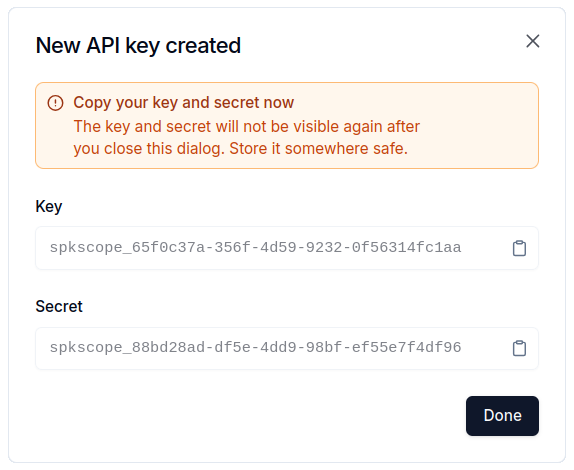
- Copy the generated key and secret.
Keep your secret secure. You won't be able to view it again after creation.
Use API credentials
Pass your key and secret using HTTP Basic Auth.
import requests

response = requests.get(
    "https://speakerscope.ai/api/<ENDPOINT>",
    auth=("<API_KEY>", "<API_SECRET>"),
)

print(response.json())